
 +1-480-241-8198
 +44-7428758945
 +61-1300-332-888
 +91 9811400594
Real estate may begin with a property — but a successful deal often comes down to how well a firm understands and engages its potential buyers. An inquiry creates an interest, a timely response maintains the conversation, and the right interaction helps close the deal — however, when leads, customer interactions, and sales efforts are stored in different systems, managing all these opportunities becomes difficult.
5 Ways Salesforce Sales Cloud Supports Real Estate Sales Teams
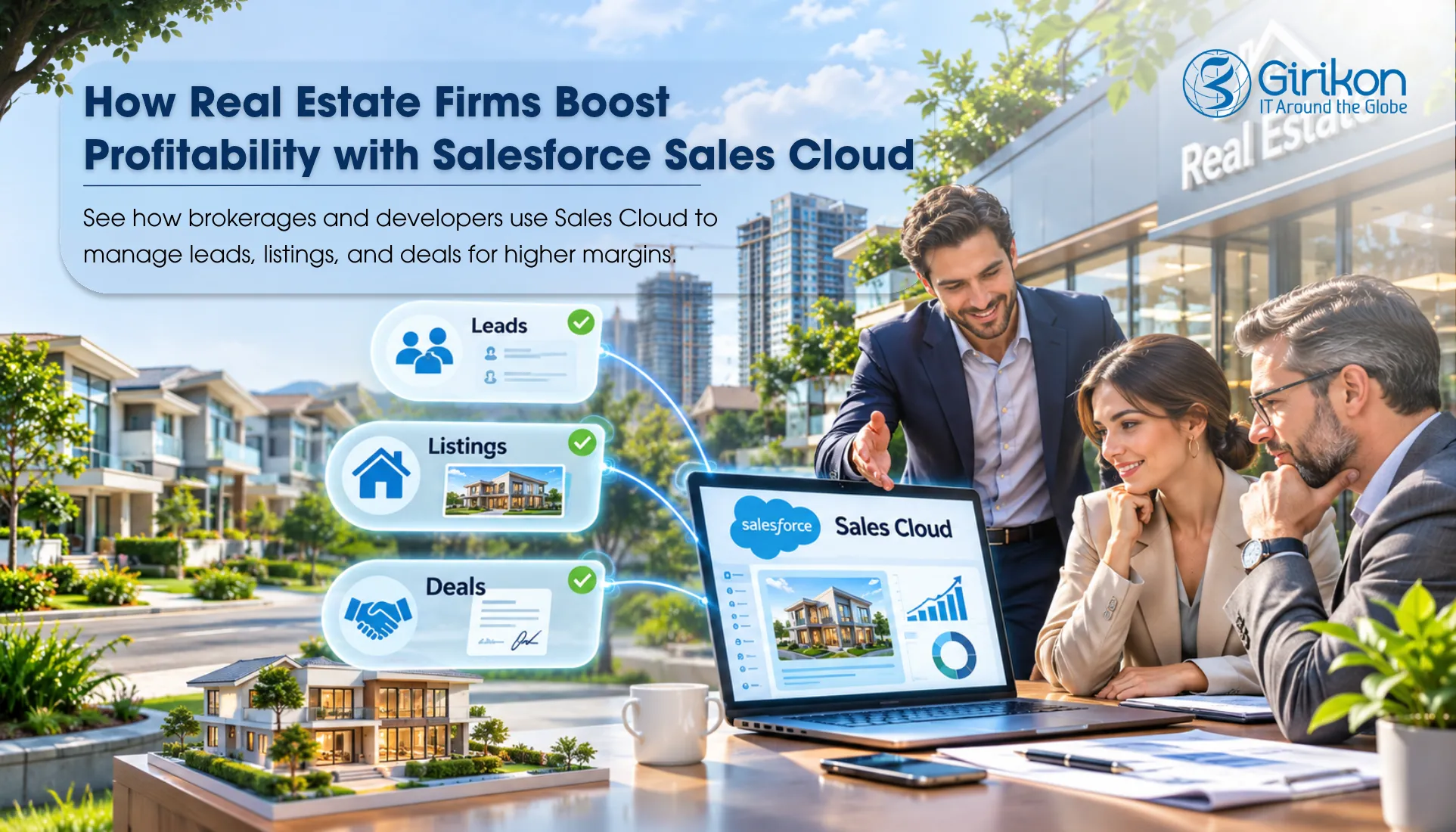
For real estate companies, dealing with inquiries, requirements, and follow-up from clients with an increase in lead generation gets difficult as lead volumes grow. The Sales Cloud for Real Estate enables real estate businesses to centralize their sales process.
- Utility of buyer information: The application aids in consolidating buyer information consisting of information related to the buyers and their preferences, along with the details of the visits made by them.
- Lead generation and distribution: Salesforce real estate lead management is useful for the team to get leads by virtue of their network and distribute them among the appropriate agents. Follow-up is also essential in this regard, particularly if the real estate brokerage automates their CRM workflows.
- Monitoring the sales process: It becomes necessary to monitor the opportunities at every stage of the sales process — including interaction, site visitation, negotiations, and booking, so that stalled deals can be identified, and good leads can be pursued.
- Sales process automation: Automated task notifications and follow-up actions for the agents so that they act quickly without requiring any manual monitoring.
- Connection with property details: Provided that the real estate CRM application is configured properly, it will allow connecting sales opportunities with the property availability and booking history.
The value of Sales Cloud depends entirely on how well the system can be tailored to the company’s sales processes. The property inventory, unit reservations, and milestone payments might need other software besides the basic Sales Cloud offerings.
How Salesforce Sales Cloud Helps Real Estate Firms Boost Profitability
Real estate companies’ ability to generate profits largely depends on how effectively sales teams handle inquiries, capitalize on real estate sales opportunities, and utilize their time. Salesforce for real estate suite provides sales teams with the proper tools for handling these processes, enabling them to automate their repetitive tasks and improve the transparency of their performance.
Classify Real Estate Leads as per Buyer Readiness
With the Salesforce real estate lead management platform, teams can manage the data of potential customers such as the budget, location, property type, etc. The Salesforce lead record allows agents to assess the leads and target the most appropriate customers according to their needs and purchasing readiness, thus saving their time from poor leads.
Monitor Transactions in Real Estate Sales Pipeline
A well-managed property sales pipeline enables both agents and managers to quantitatively monitor the different stages of the transactions from the first inquiry to negotiations and the booking process. Salesforce Sales Cloud opportunities offer a variety of customizable stages, thus making it easier to track the progress of each deal.
Use Automation for Follow-Ups by Agents and Site Visits
Sales Cloud for real estate enables businesses to automate workflows using Salesforce Flow, streamlining processes such as task creation, reminders, and follow-ups whenever leads are assigned or opportunities move through different stages. Thus, coordination is made simpler, and agents are in touch with potential customers properly without the need for spreadsheets or reminders.
Availability of Property Project Sales Forecasting and Revenue Forecast
Salesforce Sales Cloud forecasting uses opportunity value, close date, and sales stage data to assist management in planning future sales. The information provides necessary comparisons to expected revenue for real estate companies utilizing CRM software, which enables companies to identify existing gaps and plan sales accordingly.
Assessing the Performance of Agents and Property Sales Trends
With the help of Salesforce reports and dashboards, real estate firms can evaluate their team’s performance. Different reports made available through Salesforce, such as lead conversion report, proposal investment report, contract size report, sales cycle report, etc., give firms information about how their team is performing in various regions and types of properties, as well as which team members are performing the best.
Steps to Implement Salesforce Sales Cloud for Real Estate
To use Salesforce for real estate, it is important to grasp the workings of the property inquiry process, buyer management, and the journey of leads till booking. Each stage must connect Sales Cloud to these sales processes.
Step 1: Business Requirements
Make a note of how the sales team deals with inquiries, evaluates buyers — and arranges visits to properties. Establish rules for distributing leads, responsibilities for agents, and how reports are generated before the configuration of the system begins. The planning process shows how Salesforce consulting can ensure that the solution fits into the firm’s operations and processes.
Step 2: Data Migration
Check existing buyer profiles, leads, contacts, and sales opportunities downloaded from Excel or previous CRM systems as part of data migration. Shedding duplicates, standardizing fields, and linking records to necessary Salesforce objects should all be done prior to data migration. If property information should be visible in Sales Cloud, check whether it will require custom objects or a connection to external property management software.
Step 3: Integration Process
Establish which systems currently in use should pass data to Sales Cloud — according to what technology the firm uses, those systems may include property portals, inquiry forms on a company website, marketing software, electronic signing tools, or rental property management systems. Integrating Salesforce with existing real estate systems will enable the sharing of important information about buyers and properties without switching between software applications.
Step 4: Configuration of the CRM system
Configure Salesforce to meet the specific needs of the business organization’s sales processes. Define the rules of lead allocation, the characteristics used to determine the qualification of a buyer, the stages of the opportunities process, and the processing of sales reports. For example — the opportunities could be classified into several groups, such as those that are ready for site visits, price negotiations, and reservations.
Step 5: Instruction of Users
Give guidance to agents and sales administrators concerning the daily operational procedures they will be implementing. They should be aware of the methods of keeping records of customer requirements, changing the status of prospects, arranging visits, and running opportunities. In turn — sales managers should understand the way of studying the reports and control the targets.
Step 6: Testing and User Acceptance Testing (UAT)
Test the customized processes through normal real estate situations before implementing the new system. Make sure that inquiries are sent to the right agent, follow-up tasks are activated properly, stages of opportunities are updated correctly, and dashboards work properly. It is recommended to ask agents and sales managers to perform some common operations during UAT before launching the system after fixing critical problems.
Step 7: Go-Live Day
Implement the approved configuration along with the confirmed data in the production environment. Ensure that users can access Salesforce, along with verification that the inquiry channels are functional, lead assignment rules are accurate, and important reports are generated correctly. Make sure to pay close attention to incoming property queries to minimize technical issues that may occur.
Step 8: Checking after Launch
Post-launch, assess user acceptance, time taken to respond to leads, data quality, opportunity updates, and pipeline accuracy. Collect insights and suggestions from real estate agents regarding workflow and improve the configuration over time.
Are You Prepared to Utilize Salesforce in Your Real Estate Company?
Our team can assist you with configuring Sales Cloud to suit your real estate sales process, connecting other programs, and getting your team ready for its implementation. Reach Out to Us
Frequently Asked Questions
1. Are real estate businesses using Salesforce Sales Cloud?
Absolutely, yes — Salesforce is beneficial for real estate companies, as it helps them process inquiries from clients, as well as identify and manage sales leads.
2. What process does Salesforce follow in lead management?
Salesforce performs several activities — including receiving inquiries, producing the distribution of duties among the salespeople, arranging various needs of buyers, and managing the interactions with the customers and follow-up activities.
3. How much do real estate companies have to pay to use Salesforce Sales Cloud?
The total cost of using Salesforce Sales Cloud is dependent upon the chosen plan, the number of users, and the features needed for implementation — the price may increase due to the need for customizations, support, and integrations.
Ending Note
For real estate companies — it is essential to make the most of any sales opportunity to increase profitability. Salesforce for real estate allows companies to put potential buyers first, finalize property transactions, remove tedious tasks, and make better sales decisions. By meeting the unique needs of their sales processes, Salesforce Sales Cloud handles all inquiries and creates a smoother sales process.
Is your real estate firm ready to enjoy greater profitability through Salesforce Sales Cloud?
About Author

Sakshi specializes in creating high-quality, SEO-driven content focused on Salesforce, CRM, and business automation. She writes blogs, landing pages, solution pages, case studies, and thought leadership content that simplifies complex Salesforce concepts, highlights business value, and helps organizations make informed CRM decisions.
Share this post on: