
 +1-480-241-8198
 +44-7428758945
 +61-1300-332-888
 +91 9811400594
An order is marked as shipped in Salesforce, but the ERP system still shows it as processing. Fifteen minutes later, the ERP system picks up the changes and finally brings both systems into sync.
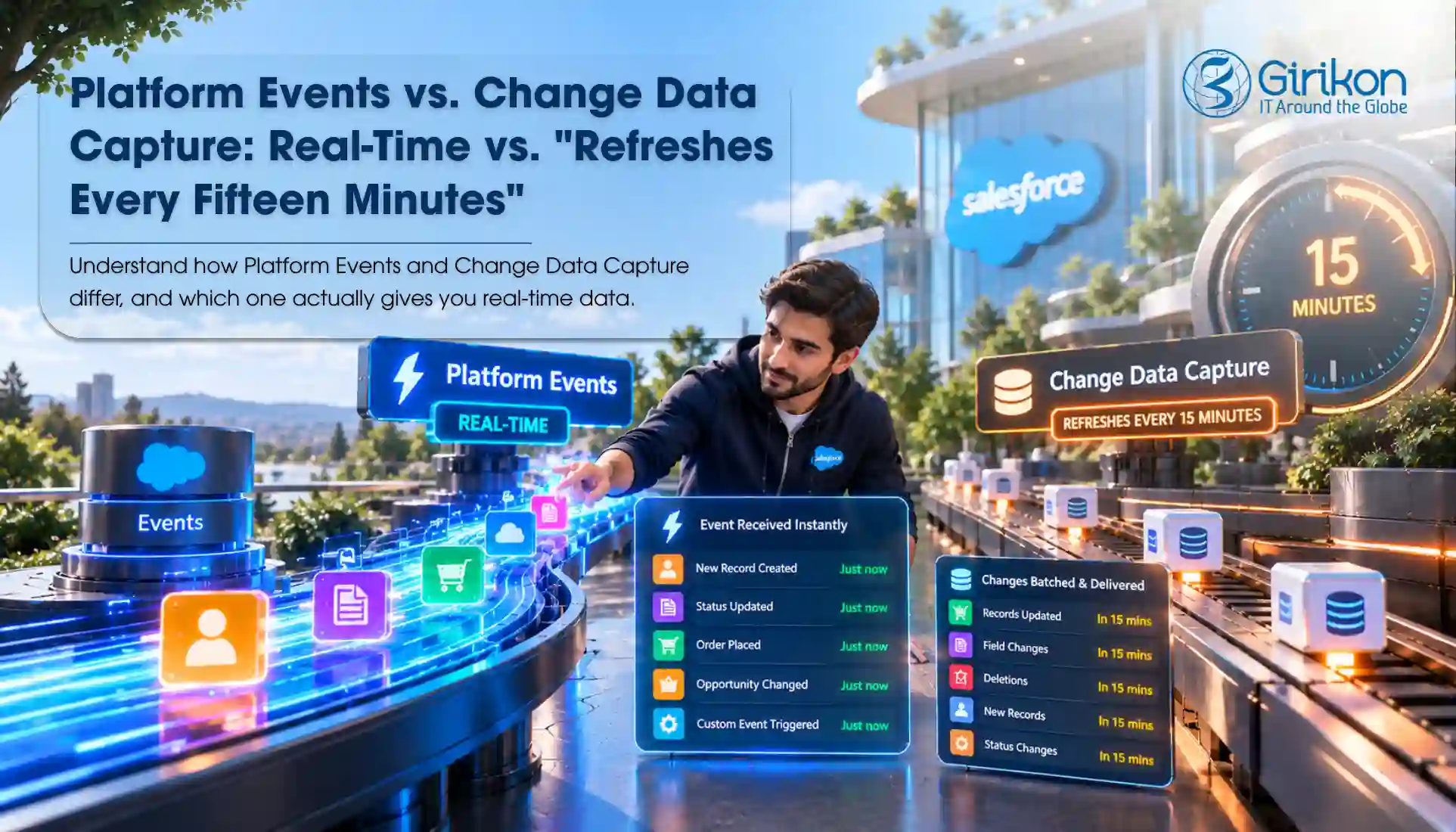
The integration is working as it’s designed. The problem is that it checks for updates at fixed intervals instead of receiving notifications when changes occur. This crucial difference can make a lot more sense when creating Salesforce integrations.
Polling or 15-minutes of wait may be sufficient when a delay is acceptable, but applications majorly depend on timely updates often benefit from an event-driven approach. Both change data capture and Salesforce platform events support the real-time update approach; however, they serve different purposes. It’s time to get hands on these mechanisms for each integration requirement.
How Polling Can Slow Down Salesforce Integrations
Polling is basically Salesforce getting checked again and again for updates. These checks will be carried out after a few minutes to check whether there is any change in the status of order and task execution.
However, according to how integration is designed, either SOQL query or REST API request or comparing timestamps may be done to find out any change after the last run. Consider an ecommerce company that synchronizes Salesforce orders with its fulfillment system every 15 minutes. If an order gets updated just after a check, the change won’t show up in the other system until the next round.
The result is a delay between a change occurring in Salesforce and the connected system processing it. Shortening the polling interval can reduce this delay. However, it can increase the frequency of requests and integration workload.
Let’s understand this with an example of an ERP system that checks Salesforce for order updates.
- 15 minutes: 4 checks
- 5 minutes: 12 checks
- 1 minute: 60 checks
Even when no orders are updated during an hour, the system still needs to run those checks. So, the more frequently the system checks, the more requests it sends to Salesforce. This can increase integration workload and API usage without necessarily providing any new information. All this articulates that polling is useful for scheduled reconciliation and scenarios where near immediate updates are unnecessary.
How Event Driven Architecture Salesforce Modifies the Integration Model
Event-driven architecture modifies business events and changes in application data. Instead of querying Salesforce for the change in anything, a subscriber just listens to the events and handles them on the go.
The integration model generally involves three components:
Publisher:
The system or application that generates the event.
Event Bus:
The means by which the published events are exposed to the subscribers.
Subscriber:
The application or service consuming the events.
Thanks to Platform Events and Change Data Capture, Salesforce provides support for this approach as it allows applications to consume the event messages. Streaming API Salesforce has traditionally supported event notifications through streamlining connections, including the older PushTopic and generic event mechanisms. This enables connected systems to respond to updates without constantly checking Salesforce for changes.
Thus, once the Account order changes, an external application gets notified about it and updates its data. The advantage of this architecture is that neither the publisher nor the subscriber will need to exchange any information with one another.
Nevertheless, even though an event-driven integration approach implies real-time reaction, the system still receives the event and consumes it after which the related action may be performed at a slightly different time.
Salesforce Platform Events: Communicating Business Occurrences
Not every event in a Salesforce integration signifies a record update. There are cases when an external system only needs to know that some business events have happened.
For example, consider the case where the order has been put in a state that makes it available for shipment. The fulfillment service might have to begin the shipping process, the notification service might need to notify the customer about the same, and the analytics pipeline might have to track this milestone. Rather than simply replicating changes made to a Salesforce record, these systems are responding to a specific business event.
That’s why Salesforce provides a way to communicate these occurrences through custom event messages. Developers define what information a Platform Event should contain and when it should be published. Depending on the use case, they can send out these events using the Salesforce Flow, APIs, and Apex. In cases where the integration needs to be published and subscribed to the event via a common interface, Pub/Sub API Salesforce helps achieve this purpose.
- Salesforce publishes a custom event called OrderReadyForDispatch__e.
- An event is received by the warehouse system, and it finds that the order is ready for shipping.
- Depending on how the receiving system is configured, it will be able to automatically create a task to ship the order.
The key point is that Platform Events notify other systems when a specific business activity occurs. They will not automatically update the receiving system; the connected system should be configured for processing the events. For example, the event will tell a system that a lead has been qualified, and payment has been received, but it will not reflect a direct record change.
Salesforce Change Data Capture: Communicating Record Changes
Change Data Capture (CDC) works differently from Platform Events. It automatically generates change events when records in configured and supported Salesforce objects are updated, created, deleted, or undeleted.
For example, when a sales representative updates an Account’s billing address in Salesforce, an ERP system or external database may also need that update. With CDC, the connected system receives a change event with information about the type of change and the affected record.
Within a CDC event, one can find the record ID, changed field values, and other details about the change. However, the information available mostly depends on the change and the event’s structure. CDC is practical when applications need to keep their data in sync with Salesforce or respond to record updates without repeatedly querying Salesforce.
Another advantage is that developers are not required to create custom publishing logic for every record change. Once CDC is enabled for supported objects, the CRM platform, Salesforce generates change events automatically when qualifying changes occur.
Platform Events vs. Change Data Capture: What’s the Difference?
Both capabilities support event-driven integration; however, the choice majorly depends on what the connected system needs to know.
| Consideration | Platform Events | Change Data capture |
|---|---|---|
| Event Structure | Custom-defined fields | Salesforce-defined event structure |
| Purpose | Communicate defined business occurrences | Communicate Salesforce record changes |
| Publishing Control | The application determines when to publish | Salesforce generates events for qualifying record changes |
| What triggers an event? | Application logic or an explicit publishing process | A qualifying change to a configured, supported record |
| Main design consideration | Define meaningful events and a suitable payload contract | Handle record changes, synchronization, and field availability correctly |
| Common use case | Workflow coordination, business notifications, service-to-service communication | Record synchronization downstream data processing, change tracking |
| Example | OrderReadyForDispatch__e | AccountChangeEvent |
Swipe to see the full table →
What Architects You Must Consider Before Implementing Event-Driven Integration
Here are some important implementation details that deserve full attention before choosing an event mechanism.
Event Delivery and Recovery
Subscribers can disconnect because of deployments, network issues, and failures in the consuming application. In Salesforce even streams, replay capabilities allow for the replaying of constraints and the resuming of consumption.
Platform events and CDC events are generally retained for up to 72 hours. To recover interruptions, applications should reconnect when a connection fails, save their replay IDs, and have a recovery plan for outages that last longer than the retention period. Instead of being regarded as consecutive numbers, Replay IDs need to be treated as unique IDs and stored and re-used by applications rather than calculating the next ID.
Transaction Boundaries
The timing of event publication matters. If the underlying Salesforce transaction has not been committed successfully, an integration that announces a completed business operation should not mislead subscribers.
For Platform Events, teams should understand the configured publishing behavior and select an appropriate transaction strategy. In contrast, CDC uses the change of events in the platform to reflect changes in Salesforce records. Normally, event design needs to allow subscribers to get to know what they can expect from the business transaction.
Monitoring and Error Handling
The delivery of an event does not mean that all required actions have been successfully performed. For instance, a subscriber receives an Account change event but is unable to update the record in the ERP system.
This will be avoided if you monitor the delivery of an event as well as any actions performed after receiving it. What’s more? Monitoring the delays in processing and errors in conducting actions will allow you to detect the problems in time. In case of errors, repeat the operation if possible. However, when the error occurs repeatedly, mark the event for investigation and future reprocessing. These processes help keep event-driven integration reliable rather than quick only.
Conclusion
While Platform Events provide a way to publish particular business events whenever a certain event occurs, CDC will automatically detect any changes made to the records in Salesforce which are supported by the technology. The selection of the right strategy will help make sure that your integrations react to the right events without needing to refresh the information.
Nonetheless, of course, a reliable Salesforce integration rests with the underlying system. Proper event handling, monitoring, retries, and recovery have their roles to play in making sure the data flows from Salesforce to connected applications and vice versa.
If you want to have reliable and responsive Salesforce integrations, Girikon can assist your business in designing and implementing Salesforce solutions that will facilitate data exchange and integration. Connect with our Salesforce experts to explore the right integration approach for your needs.
About Author

Shivani is a Technical Content Specialist at Girikon with deep expertise in turning intricate technologies into engaging narratives. Her renowned experience and keen interest in technologies allows her to draft compelling and digestable insights for tech-savvy leaders. She helps businesses navigate the labyrinth of innovation, leveraging her proficient skills and visionary attitude.
Share this post on:










