
 +1-480-241-8198
 +44-7428758945
 +61-1300-332-888
 +91 9811400594
Businesses that use Salesforce and ServiceNow often struggle when information doesn’t move seamlessly between these two. Imagine a customer complaining about a power outage. The case goes into Salesforce. But the solution is managed by the IT team, which is part of ServiceNow. The teams can’t access the customers’ history. Agents will have to depend on email threads and status calls as the customer waits. Neither team sees the progress of the case. Escalations are postponed, duplicate records are generated and who did what during incidents are unclear on disconnected platforms. The solution lies with Salesforce ServiceNow integration.
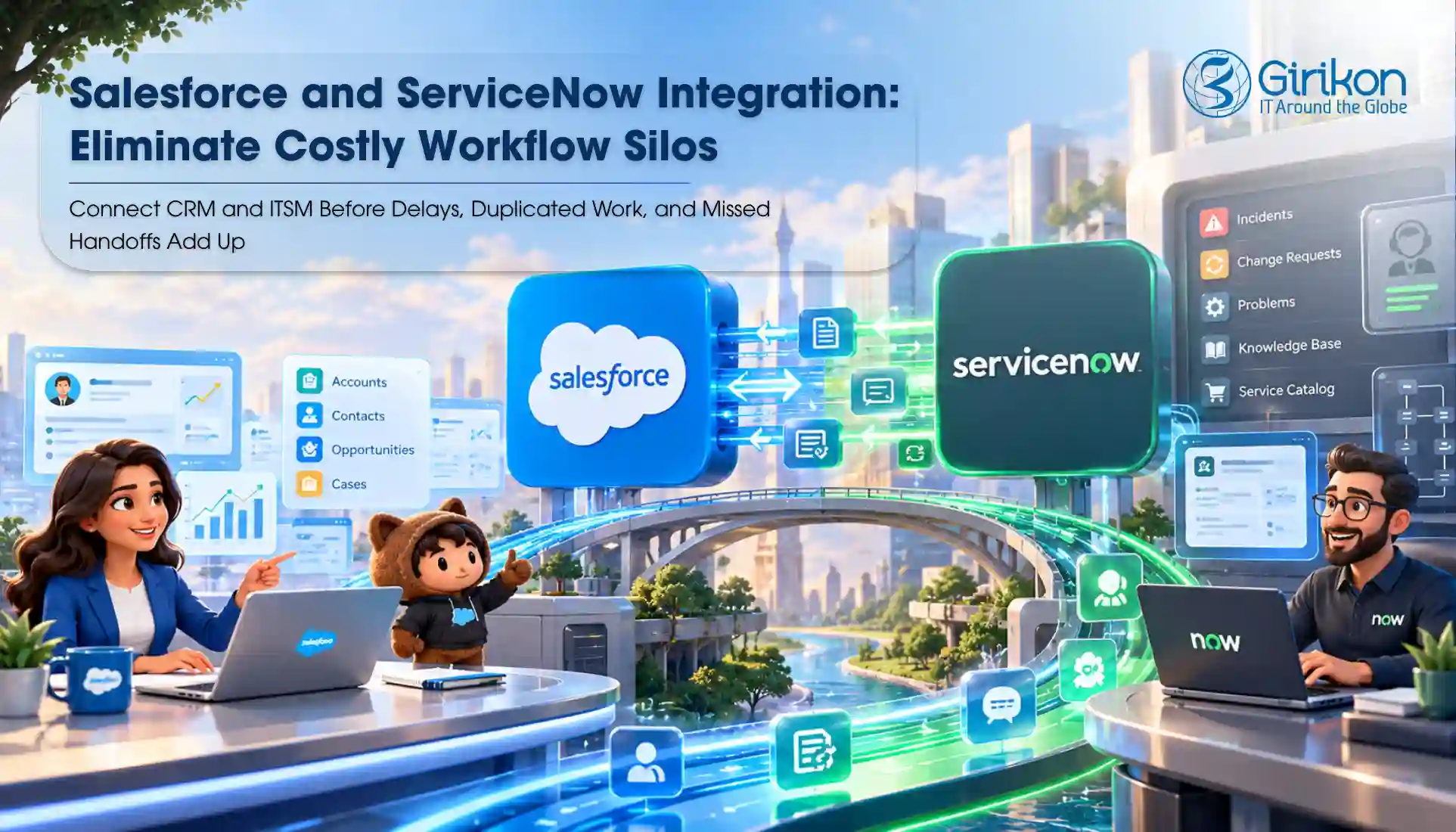
Why, though? It’s because this ITSM CRM integration lets you automatically import cases, incidents, comments and status updates between the two systems. The Salesforce and ITSM teams have a unified view of each issue. With its efficient application, bidirectional sync ServiceNow Salesforce enables each system to do its own job. So, let’s explain how you can successfully opt for the ServiceNow Salesforce connector. This blog will also explore which enterprise Salesforce integration solutions do you need, how cost is driven, when and why to hire an integration consultant.
Native Connector vs Integration Platform vs Custom Build: What’s the Difference?
| Factor | Native Connector | Integration Platform | Custom Build |
|---|---|---|---|
| Setup speed | Fast; prebuilt mappings | Moderate; configured flows | Slow; full development |
| Flexibility | Limited to supported objects | High; many systems and logic | Complete control |
| Upfront cost | Low to moderate | Moderate | High |
| Maintenance | Vendor handles updates | Shared between vendor and team | Fully internal |
| Scalability | Suits steady volumes | Handles growth and extra systems | Depends on the design |
| Governance | Standard controls | Strong, centralized controls | Built to your policies |
| Best fit | Straightforward case-to-incident flows | Multi-system environments | Unique or regulated needs |
Swipe to see more →
5 Steps to a Successful Salesforce ServiceNow Integration
Step 1: Choose a High-Impact Use Case
Avoid starting with technology while selecting the integration process. Every integration should solve a measurable business problem. Look for processes where teams spend significant time retyping information, switching systems or app for updates, or transferring cases. Many organizations often choose case escalation first to solve. Doing so removes records that are already in the system, reducing the effort required to move details between platforms.
Step 2: Set Ownership Rules
Without clear ownership, status updates, comments and case information may be different in various systems. Reduce the need to copy data between your CRM and ServiceNow by keeping activities and incidents that directly involve customers in Salesforce. This is one of the cornerstones of a successful ITSM and CRM integration.
Step 3: Identify Shared Data
Not all fields should be included in both systems. Determine where cases, incidents, priorities, comments, attachments and resolution updates should be shared between platforms. It will ensure your agents have access to the same information and don’t lose track of context.
Step 4: Pick an Integration Model
Choosing the right model impacts a lot of important aspects of your business. Opting for an integration solution that doesn’t meet your requirement or is costlier at scale brings no value. So, decide what set-up you need that can support complex workflows, compliance needs, or future growth. Is it a ServiceNow Salesforce connector? Is a custom solution better? Or do you require an integration platform?
Step 5: Validate Real Workflows
Before a bidirectional sync ServiceNow Salesforce implementation goes live, put it through everyday support and IT workflows. If something breaks or doesn’t work, you can fix them because post launch, these will be costly to correct and may escalate.
Common Pitfalls to Avoid for Successful ITSM CRM Integration
Don’t select the integration solution before you know if it matches your business requirement or not. Some organizations also transfer all the fields and objects at once, only adding to the complexity. Testing often stops at field mapping. They also give less attention to escalations, status changes, and exception handling. Security reviews are also frequently left until late in the project, making issues harder to address once development is underway.
How Much Does Salesforce ServiceNow Integration Cost?
There’s not one specific Salesforce ServiceNow integration cost range and the price depends on these factors:
Connector licensing:
Generally, fees are tiered and depend on the number of users or transactions or a combination of both.
Middleware:
Subscriptions and runtime usage fees are charged for an integration platform.
Development:
Counts mapping, testing and configuration, developer and administrator hours for costs.
Ongoing maintenance:
Updates, schema changes and monitoring need continuing ownership, adding to the cost.
Compare total expenses with overall benefits of operating. One must consider faster resolution, fewer duplicate entries and less manual follow-up in the calculation. Remember a cheaper tool breaks more frequently and needs constant costly fixes than a ‘supposedly’ expensive solution.
When Should You Hire a Salesforce ServiceNow Integration Consultant?
- Several teams involved, each with its own processes and priorities
- Strict compliance requirements that affect how information is stored and shared
- Older systems that need additional integration work
- Higher record counts can break integrations if they are not designed properly
- Requests moving through several review stages across both platforms
What Should You Ask Before Requesting a Demo?
If you’re looking to purchase a Salesforce ServiceNow connector or hire a Salesforce ServiceNow integration agency, ask each vendor the following questions.
- Does it allow bidirectional sync?
- What resources are available to settle issues?
- Can attachments sync?
- Which objects are supported?
- What kind of security measures are in place?
- What type of monitoring exists?
Conclusion
The best Salesforce ServiceNow integration isn’t just defined by the connector. Whether you choose packaged tools, enterprise Salesforce integration solutions, or custom Salesforce API integration services, the results you get depend on a combination of selecting the right architecture, integration tool and implementation strategy of your workflows that are most important to your business. Don’t skip over security and functionality, both are key to driving high operating efficiency. We hope this blog has given you the insight for a successful ITSM CRM integration. Connecting with a Salesforce integration services partner with expertise in ServiceNow can help you speed up the process without disrupting your existing workflows.
About Author

Anjali is a technical content writer and strategist with 9 years of experience, bringing expertise in creation and strategy for IT services, software development, and Salesforce consulting companies. She excels at developing SEO-driven storytelling and technical narratives, and in crafting marketing assets that boost visibility, accelerate sales, and deliver measurable business growth.
Share this post on:










