
 +1-480-241-8198
 +44-7428758945
 +61-1300-332-888
 +91 9811400594
Salesforce and SAP perform different functions inside a large organization. Salesforce handles the customer-facing side of the business deals, relationships, service cases. SAP runs everything underneath: finance, inventory, logistics network, order fulfilment. When you fail in Salesforce SAP integration, the impact is gradual but significant. Your organization faces duplicate work, delayed orders, and support teams depending on outdated information. This disconnect erodes both efficiency and customer trust.
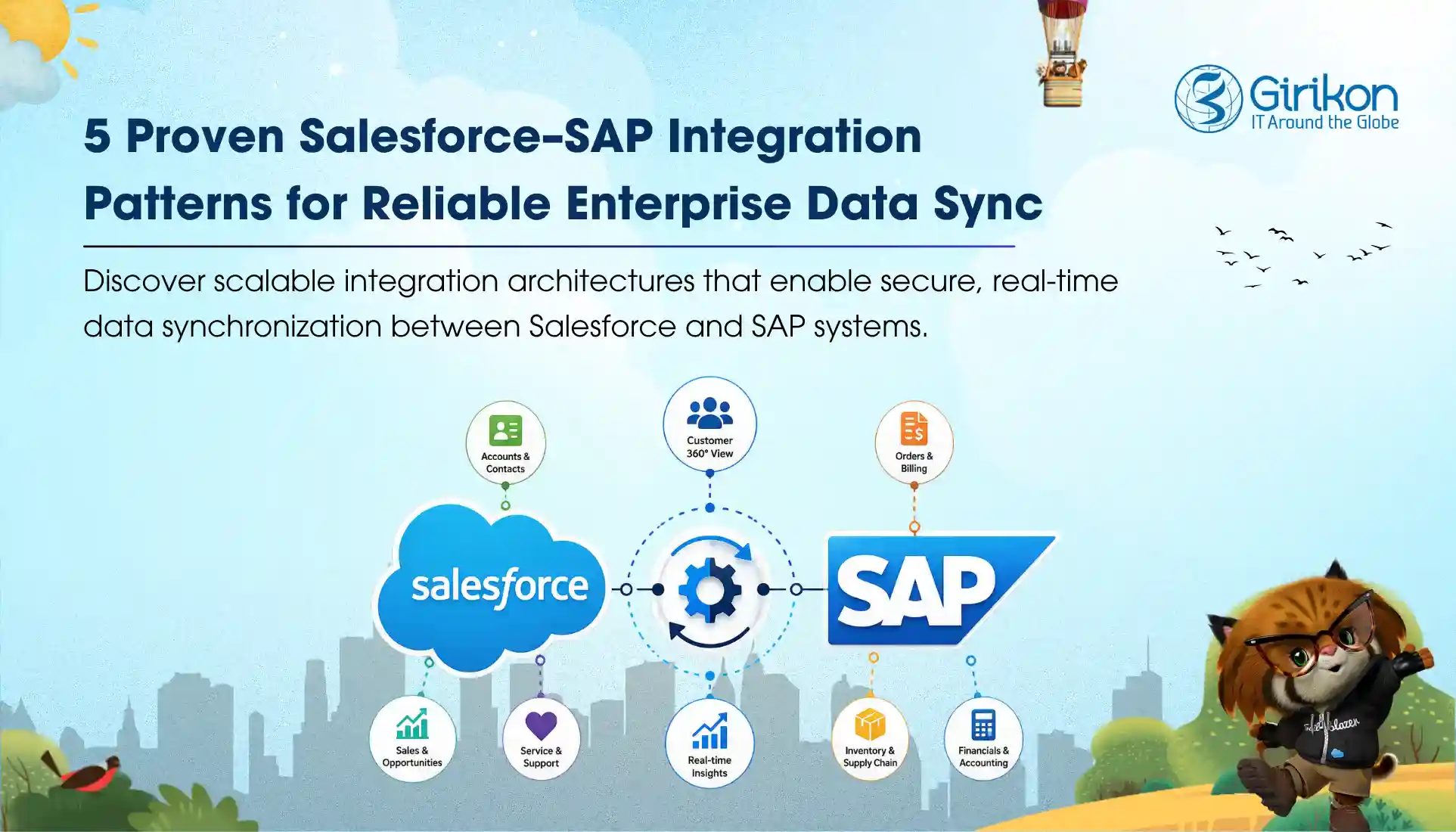
This is why SAP Salesforce data sync is critical. Integration ensures revenue visibility, accurate operations, and consistent customer experience. For better results, the best method is to know how much data you’re moving, what your security requirements look like, and how urgently that data needs to move. To help you understand what the Salesforce SAP integration patterns enterprises rely on today, we discuss them in detail. In addition, we’ll share a few Salesforce SAP integration best practices.
Why Salesforce and SAP Integration is Critical for the Enterprise
At the most basic level, this SAP CRM Integration enterprise closes the gap between what sales know about the sales cycle and what’s actually true on the operations side. Get it right and order-to-cash speeds up noticeably. You get other benefits like:
- Agents get real-time data and start working from a solid customer 360 view.
- Inventory figures become trustworthy.
- Pricing reflects the present instead of last week.
Certain use cases recur across nearly every industry: automating order-to-cash, giving sales live visibility into stock, unifying customer records, validating pricing during the quoting process itself. In silos, these are hard to pull off. SAP carries enormous data volume, and its schema resists mapping cleanly onto Salesforce objects. Its authorization structure is hard to work around. Layer real-time performance expectations on top, and it becomes clear why integration projects so often lose impact before delivering anything meaningful.
What are Salesforce SAP Integration Patterns?
- Real‑Time Request/Reply
- Event‑Driven Integration
- Batch Synchronization
- Virtualized Data Access
- Middleware‑Orchestrated Workflows
Real‑Time Request/Reply
A synchronous REST or SOAP call triggers the moment someone needs an answer, checking a credit limit mid-quote, confirming stock before an agent gives a delivery date. Customers cannot be put on hold, which is exactly the point. Under heavy traffic, poor design slows both sides. Best applied where immediate accuracy safeguards revenue and customer commitments are needed.
Event‑Driven Integration
Rather than one system sitting idle while waiting on the other, it relies on publish-subscribe messaging, typically Salesforce Change Data Capture paired with SAP Event Mesh, running over Kafka or AMQP. High-volume updates suit this well, and the platforms stay loosely connected instead of tightly bound together. What is at stake is an instant agreement. A brief lag exists before both sides notice; a cost most enterprises accept when scalability is the priority.
Batch Synchronization
The pattern focuses on if the data actually needs to move right now. Often, it doesn’t. Bulk transfers on a fixed schedule, usually through Bulk API or standard ETL tools, handle product data sets or historical order records perfectly well, since these rarely shift hour to hour. Running it costs little and barely goes over system limits. One actual limitation of this pattern is that it doesn’t offer real-time visibility, but it could still work as long as it’s not needed by the use case.
Virtualized Data Access
This is more of an invisible pattern. SAP data—invoice history, shipment status—shows up inside Salesforce screens without ever being duplicated or stored there. Salesforce-side storage costs vanish entirely under this model. What replaces that cost is dependency: the whole arrangement only works when SAP’s endpoint stays available and responsive, which needs consideration before relying on it too heavily. Businesses often use it when visibility is needed without replication, but only if SAP uptime can be trusted.
Middleware‑Orchestrated Workflows
Middleware-orchestrated workflows step in once a process crosses multiple systems and steps like lead-to-order. A simple point-to-point connection cannot hold up under too much complexity. Platforms like MuleSoft, SAP Integration Suite, or Celigo take over the transformations, error handling, and coordination across systems; legacy platforms included. Strong governance and pre‑built connectors come bundled with this approach. For enterprises, the draw is reliability across complex processes, even if licensing adds overhead.
Most enterprises need two or three of these patterns, not one.
Tell us your data volumes, latency expectations and middleware estate. We will map which pattern belongs where before a single line of integration code gets written.
7 Steps for Salesforce SAP integration to Get Real-time Enterprise Data Sync
-
Clarify data ownership
Define, in writing, where the authoritative version of each data set will reside. The customer master data is controlled by SAP and leads and opportunities by Salesforce. If your team doesn’t have this clarity, more than one version of the same record is likely to emerge, and it becomes harder to resolve them than preventing them initially.
-
Match API frequency to actual need
Combining batch processing with Change Data Capture keeps consumption within Salesforce governor limits while data stays reasonably current. Not every update requires a real-time call. Reserve that for cases where immediacy genuinely matters to the business outcome.
-
Failure and recovery management
Resilience doesn’t come from avoiding failures but from detecting them on time and correcting them quickly. There will be many possibilities of failures you could encounter connections may drop, end points may fire timeout, records may fail validation for unanticipated reasons, and so forth. Automated retries, alerting systems, and graceful degradation give teams early visibility into failures and provide control before issues escalate.
-
Enable security by design
End-to-end encryption, authentication, and alignment with existing security policies belong in the initial design, not added later. Given the volume of financial and customer data involved, shortcuts here create liabilities that surface at inconvenient times, exposing your customer and brand to compliance risks and fines.
-
Invest time in field mapping early
SAP and Salesforce objects rarely align without adjustment. Careful attention to data types, naming conventions, and field ownership before development begins prevents costly rework once mismatches surface downstream after launch.
-
Test using production-scale data
A small, clean sandbox cannot reveal real performance issues. Governor limits, timeouts, and throughput bottlenecks typically appear only under genuine volume. Testing closer to actual scale before go-live catches problems while they remain less costly to fix.
-
Prepare teams for the operational shift
New data flows bring a shift in daily workflows, and that change doesn’t happen automatically once systems connect. Clear documentation, structured training, and a defined support path determine whether the integration delivers its intended value or not.
Conclusion
Every SAP Salesforce integration is different, so treating any single pattern as the default mode wouldn’t deliver the expected result. Most enterprises often go the hybrid way, stitching two or three approaches together based on what their systems demand. Ignoring factors like data volume, latency, and team’s actual capacity to manage that complexity once it’s live, not just at launch. The better strategy is to conduct an audit of the existing tech stack. Understand the gaps and the cost of it.
However, not all businesses have the bandwidth to run that audit properly, for more effective review of your infrastructure and the best solution, consider specialists. They have worked through SAP Salesforce data sync projects and can spot patterns and pitfalls faster than a team encountering them for the first time, which often saves both time and money in the long run.
Get the pattern right before you get the code wrong.
Girikon is a certified Salesforce consulting partner with MuleSoft and enterprise integration experience. We audit your existing stack, define data ownership across SAP and Salesforce, and build the sync layer with retries, monitoring and security designed in from day one.
- Integration audit & pattern selection
- MuleSoft and middleware orchestration
- Real-time, event-driven & batch sync
- Field mapping, testing & go-live support
Scoping a project now? Call +1‑480‑241‑8198 (USA)
About Author

Anjali is a technical content writer and strategist with 9 years of experience, bringing expertise in creation and strategy for IT services, software development, and Salesforce consulting companies. She excels at developing SEO-driven storytelling and technical narratives, and in crafting marketing assets that boost visibility, accelerate sales, and deliver measurable business growth.
Share this post on:










