
 +1-480-241-8198
 +44-7428758945
 +61-1300-332-888
 +91 9811400594
One team commits the product without knowing its availability. While the other team works with data, that doesn’t reflect real values to fulfil those commitments. This happens because business information is scattered across different systems. Teams don’t get the insight needed to effectively deliver products and services. So, they spend time checking if products are out of stock or not, correcting orders, and answering customer queries about stock, and not business critical tasks. Salesforce inventory management brings all these aspects into the same environment. With inventory data available through Salesforce Sales Cloud, where sales and service teams already work, businesses can improve clarity across departments and reduce reliance on manual updates.
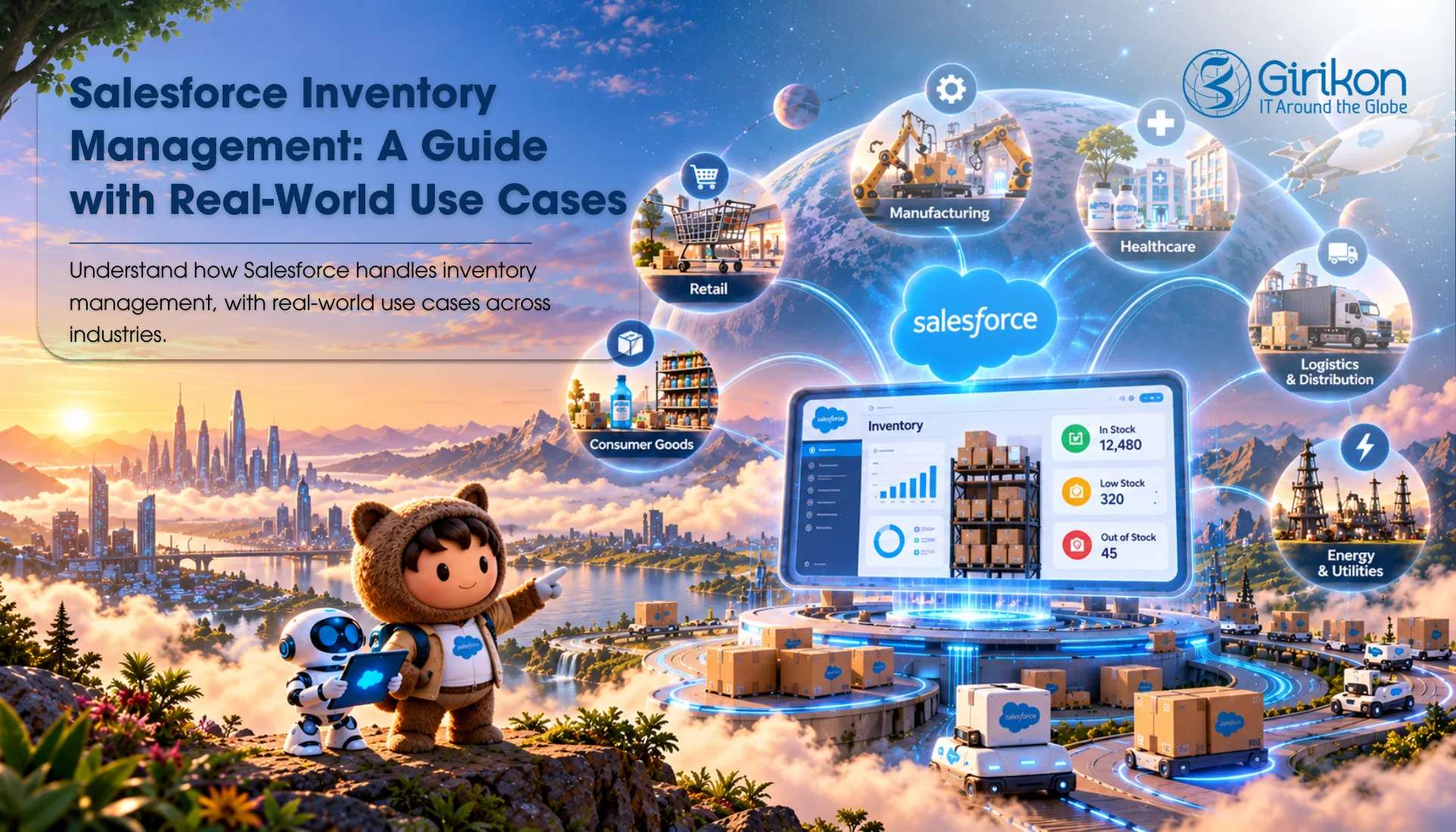
What is a Salesforce Inventory Management System?
The Salesforce inventory management system isn’t a warehouse tool or out of the box solution. It’s simply how Salesforce CRM implementation with inventory management expands what the platform already offers. So, most businesses start with standard items such as Packages, Quotes, and Orders, then add them for stock levels and storage locations. Some hire Salesforce managed services for quick and efficient implementation. Others install an AppExchange application made for inventory work. Whichever route a company takes, the outcome is an inventory management in Salesforce inside it.Top Features of Salesforce Inventory Management
- Livestock visibility: Every product has an up-to-the-minute stock count, broken down by a store or bin or warehouse, depending on the level of detail in which the business keeps its stock count. Personnel working on an opportunity can check availability directly within the system without navigating away, leveraging Salesforce Sales Cloud features for seamless resource management.
- Order and fulfillment tracking: When an order is placed, the system can reserve the available product against it. If there’s enough items in the inventory, it shows ‘available,’ otherwise ‘put on hold.’ Once this order has been picked and shipped, the status can be changed on the system. Customer sees the same status as the team in the operation does.
- Reorder alerts will automatically keep shelves filled: Teams can create a minimum threshold for each stock item, and if the quantity drops below this threshold, Salesforce Flow will automatically generate an alert, or a purchase request notification. Both supplier and purchase management team see the same data, including supplier records, purchase orders, and expected delivery dates.
- Lot or serial tracking: Depending on the settings, you can keep a check on product serial numbers too. With Salesforce Manufacturing Cloud, companies dealing with regulated or perishable products can track and trace each product individually using unique product identification numbers or serial numbers, ensuring better traceability, compliance, and inventory management, which makes it easier to find a lot when tracing is needed.
- Accurate reporting: Details on stock on hand, open orders, backorders, and turnover are from the same source: one data set. No merging of exports is required before a meeting.
- Easy integration When APIs and connectors sync with Salesforce and ERP/Accounting systems, Salesforce Integration Services enable seamless data movement while allowing existing applications to continue working without disruption.
Benefits of Combining Sales and Inventory Management
- Accuracy of information given to customers is important. Reps no longer commit product when it’s not available, and fewer orders are reversed after it’s finalized.
- Details are automatically getting filled, no need for agents to do so, and information is still accessible for each team.
- Cost control is another benefit. Businesses that can simultaneously view demand and stock levels through Salesforce inventory optimization will have greater confidence in maintaining optimal inventory, avoiding excess stock while minimizing the risk of stockouts. Unsold credit continues to be available for other purposes.
- Plus, using a single platform is easier to deal with. One system for permissions, training, and a single point to get support requests. The structure can expand with the business as additional products are added, or stores are opened, or new sales channels are introduced.
What are the Real-World Use Cases of CRM with Inventory Management
Wholesale Distribution
It receives large orders from repeat buyers, and reps need to confirm stock across several warehouses while they’re on the phone. With inventory data in Salesforce, they can see which location can fill the order and quote an accurate lead time.Multi-Location Retail
A retailer with several stores and an online shop has a different need: common visibility of products availability. Salesforce shows each location’s quantities, so a store can check whether a nearby branch holds the same item a customer wants. Transfers between sites can be requested from the same screen.Manufacturing Operations
A manufacturer tracks finished goods as well as the parts that go into them through Salesforce Manufacturing Cloud implementation, enabling better inventory visibility, production planning, and supply chain management. Sales see what can ship today, while production sees which components are running low. Custom orders requests are better grounded because the parts position is known.Field Service Inventory
They send technicians out with parts in their vehicles, and each vehicle can be treated as a stock location. When a technician uses a part on a job, the count drops, and a reorder request can follow without a phone call to the office.What to Know Before You Start with Salesforce Inventory Management Services
A well-set-up Salesforce inventory management system gives sales, operations, customer service and purchasing the same numbers. That shared view is what keeps promises to customers realistic. Here are the steps:Step 1: Clean Up Product Data
Poor-quality data affects inventory accuracy, order processing, and reporting all across the departments. So, start checking your product records before anything moves into the new system. Eliminate repetition and convert units of measurement and ensure that location codes are completed.Step 2: Define Who Owns the Inventory Data
Set definite tasks for stock accuracy. Determine stock ownership and who is permitted to change the stocks. When there are no definite rules then the numbers keep changing, and nobody is sure what they mean, or they can’t rely on the system.Step 3: Identify Information Exchange Requirements
Define the records that require movement between Salesforce and other inventory management tools. Be clear and specify at the beginning where you want to automate, otherwise you’ll end up having a system that doesn’t deliver the results you need or does deliver the output that aren’t useful.Step 4: Start with an Incremental Rollout
Implement the system, first on a small scale – in one segment of the data, warehouse or product range. Adopt it there first, until you know it’s working, and then expand it to the broader business. The phase-in approach is slow, but will produce less disruption, and facilitate identifying and resolving issues easier and quickly.Step 5: Select the Right Implementation Partner
When companies lack the in-house skills to develop Salesforce competency, they often seek inventory management services from a certified Salesforce implementation partner. A partner can help determine if a custom build or an AppExchange product is better suited and can do the integration of a custom build with existing shipping tools or ERP.Conclusion
The impact of visibility in inventory goes beyond the warehouse. It impacts sales commitments, expectations, purchase decision making, and order fulfillment. That’s why companies go with the Salesforce inventory management system. This helps organizations unify these functions by supplying teams with the same inventory insight. Whether you want to build the solution in-house, via app-Exchange or integration with an existing solution – the key to winning is having accurate data and clear processes. Organizations that take the time to establish these groundwork foundations will have a stronger base for lowering operation friction points, optimizing inventory management and allowing for growth without losing visibility in the supply chain.
About Author

Anjali is a technical content writer and strategist with 9 years of experience, bringing expertise in creation and strategy for IT services, software development, and Salesforce consulting companies. She excels at developing SEO-driven storytelling and technical narratives, and in crafting marketing assets that boost visibility, accelerate sales, and deliver measurable business growth.
Share this post on: