
 +1-480-241-8198
 +44-7428758945
 +61-1300-332-888
 +91 9811400594
Agentforce is changing how teams build on Salesforce. Custom AI actions and agents that read and update records are showing up in more AppExchange submissions every quarter. But it’s not usually a broken feature when an AppExchange security review goes awry. Most commonly, it’s a security issue that might have been discovered when developing the software itself, and common security flaws include the lack of object and field checks. To manage access to objects, records, and fields, Salesforce relies on CRUD and FLS permissions, and custom Apex code must adhere to these permissions to ensure compliance with Salesforce Security Services. Therefore, one of the most effective ways of protecting your release date is to get CRUD FLS Salesforce Apex enforced.
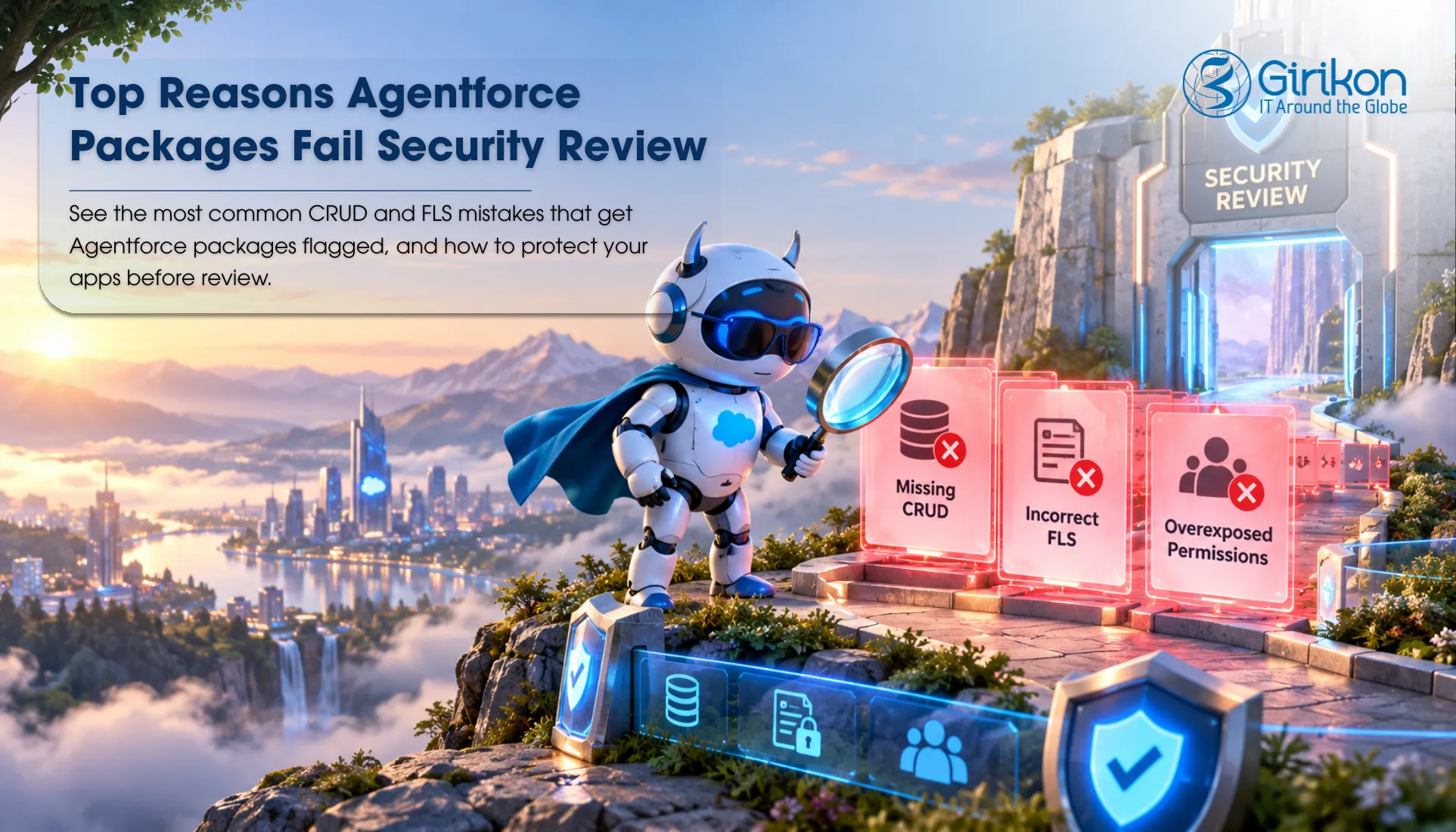
In this blog, you’ll learn what a reviewer looks for, where Agentforce packages go wrong, and the steps you can take to solve each issue before it’s time to send your package off.
What Does the Salesforce Security Review Check?
The Salesforce security review assesses how your application is accessing, managing permissions, and safeguarding customer information. Developers’ code, security measures, and actions powered by Salesforce AI Services are reviewed to ensure that users have access only to the information they are authorized to access. It also checks:
- Object /field /record permissions are consistently applied to every object on every page, API call, custom operation.
- Apex code adheres to a secure coding style, and verifies user permissions before data is read, modified or removed.
- Discover security vulnerabilities such as injection risks, unsecured queries, etc., that may allow the discovery of sensitive data.
- Examine the results of automated scanning along with manual testing to identify problems not identified by automated testing tools.
- Prevents AI interactions from offsetting existing Salesforce access controls by tracking actions taken and responses received in Trace Agentforce.
Top Reasons Agentforce Packages Fail Security Review
These are the most frequently occurring Salesforce security review common vulnerabilities in Agentforce Packages.
Missing CRUD Validation in Apex
Imagine an action that updates the Opportunity record without checking if the user has permission to edit. Anybody who can initiate the action is able to alter the data that the org normally secures. It is documented as a finding by reviewers. There’s a simple fix, but it must be applied to all methods using data, including helper classes that actions are called through, such as action_routines.
Ignoring Field-Level Security Checks
Revenue (or Customer) fields are sent from the Apex controller to a custom interface that has no access to check out the fields. Users who don’t have permission can now see sensitive values. Hiding them into an interface doesn’t improve it, as they are still present in the response. It’s easier to correct, but it’s also important to ensure the changes are made to any process that touches data, discounts, or personal contact.
SOQL Queries That Bypass Security Enforcement
Without FLS enforcement, Apex might return information that the user is forbidden from viewing. The package results in leaking information outside the scope of user credentials. This frequently occurs with fast prototypes which are then translated into production code.
Dynamic Apex and Query Risks
Any query that is created as a string and uses the names of fields at runtime can be overlooked. The code remotely fails to affirm those fields are available; security gaps appear which reviewers detect easily. The issue of unvalidated input is another and serious implementation challenge that’s often doesn’t get due attention but must be solved separately.
System Context Access Issues
By default, Apex runs in system mode. So, if a mode in which a class returns records directly to a user, there are no set boundaries for permission. This is easier to miss, as an agent brings up the call, not a person.
Security Settings Detected by Salesforce Code Analyzer
The CRUD/FLS enforcement is missing, which will be identified during the security review of your code by Salesforce Code Analyzer. For each Apex CRUD FLS violation it reports, it must be remediated prior to approval. Teams that don’t conduct a scan might only find these results after submission, which can take weeks.
Best Practices to Pass Security Review on the First Attempt
Implement CRUD Checks on Each Data Operation
Examine access rights to the objects before every operation. Inserts – use isCreateable() before them. Use isAccessible() before reading. Put isUpdateable() before updates. Deletes use isDeletable() before the delete. Return unambiguous error if check fails. Place these checks into a common utility, so that the same logic can be employed for all actions.
Apply Consistent FLS Validation
Carry out validation when reading and writing fields. Security.stripInaccessible() removes fields they shouldn’t access, works for both reading and writing. Do the same for the data that gets returned from the agent’s actions.
Utilize Security-Aware Query Patterns
Use WITH USER MODE to make the SOQL respect CRUD / FLS / Sharing. Don’t concatenate together strings and declare classes with sharing unless they have a clearly defined reason to not do so. Reviewers preferred that one approach would be used everywhere.
Test Across Multiple User Profiles
Almost every check done by Administrators is usually of no use in isolation. So, Use System.runAs() as a regular user, restricted user, and as an administrator. Verify that the restricted user is not “blocked”, that the happy path is working.
Run Salesforce Code Analyzer Early
Include scan files in pull requests. Salesforce Code Analyzer comes with rules looking mainly at Apex security; thus, it will highlight the CRUD/FLS gaps much sooner than a CRUD/FLS reviewer. Issues caught at an early stage are quick to solve. But it may take weeks after the submission is done.
Security Review Preparation Checklist: What to Know
Avoid these common issues before submitting your package for review.
- CRUD checks missing data operations, allowing users to access objects beyond their assigned permissions.
- FLS validation skipped in Apex, exposing fields that should remain restricted.
- Apex classes are deployed without a security review, leaving permission gaps undiscovered.
- Agentforce actions tested for functionality only, without verifying user-level access controls.
- Code Analyzer warnings left unresolved, increasing the likelihood of review findings.
- SOQL queries reviewed for performance but not for permission enforcement requirements.
- System context used without assessing whether elevated access could expose sensitive data.
- Security documentation submitted with missing details, slow review, and clarification requests.
Conclusion
AppExchange security review delays continue to be caused by CRUD violations or FLS violations. The majority of them are avoidable with good Apex habits. Test at an early date; perform Code Analyzer scans regularly; validate permissions for each class which deals with data. Problems arise in the review when teams don’t make permission checks a key part of design, leaving it to be done later. Removing the risks prior to submitting reduces re-work and costly surprises.
When internal teams are focused on development timelines, an external Salesforce security consultant‘s review can provide a second set of eyes on Apex, data access controls, and Agentforce actions. Addressing gaps before submission is often easier than responding to findings during the review process.
About Author

Anjali is a technical content writer and strategist with 9 years of experience, bringing expertise in creation and strategy for IT services, software development, and Salesforce consulting companies. She excels at developing SEO-driven storytelling and technical narratives, and in crafting marketing assets that boost visibility, accelerate sales, and deliver measurable business growth.
Share this post on: