
 +1-480-241-8198
 +44-7428758945
 +61-1300-332-888
 +91 9811400594
Within an organizational set-up things move fast. An employee might get promoted and shifted to a new department at the same time besides taking on additional responsibility. While Salesforce might not reflect the updated details of that employee and continue to show the outdated details, a new cloud-based software ‘weekday’ records the updated details as a part of the company’s human capital management process (HCM).
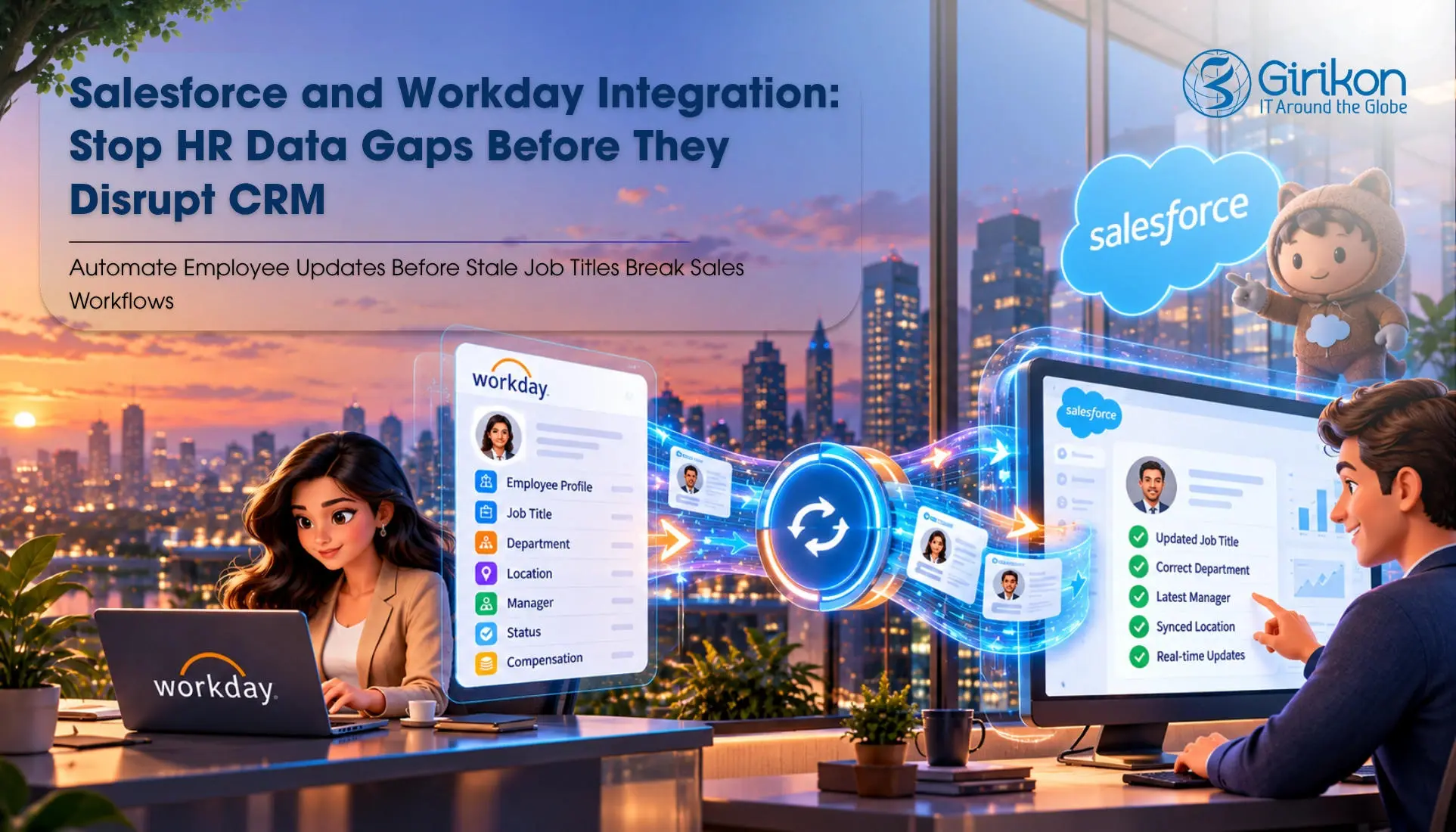
This creates a disconnect, which is more than a data-quality issue. Besides impacting sales ownership and reporting precision, it also impacts client relationships, access permissions, and revenue operations. This is where Salesforce Workday integration becomes relevant.
This integration brings together HR events with the CRM processes that rely on them. Yet orchestrating two enterprise platforms isn’t just a matter of replicating employee records. Organizations must determine which system owns every field, how changes trigger actions, and what occurs when updates fail.
The point is to ensure that a change in job-title in Workday yields the right business outcome in Salesforce without creating identical records, upsetting active deals, or granting improper access.
Salesforce Workday Integration: Which System Preserves the Data?
The groundwork for dependable integration depends on division of responsibility. ‘Workday’ generally serves as the influential source for HR-managed data such as status of employment, formal job title, employment status and HR-defined reporting relationships. Salesforce on the other hand should remain dominant for CRM-specific data, including but not limited to client interactions, sales activities and decisions w.r.t account-management.
Without this distinction, both enterprise systems can overwrite each other’s costs or maintain inconsistent information. Suppose Workday reflects the department change of an employee from reginal sales to enterprise sales. The workday salesforce sync should update the subsequent HR-managed department field in Salesforce.
This difference matters because employee data in Salesforce serves multiple purposes. The job title shown on an employee profile is informational. A field used to verify approval authority, or territory eligibility may drive operational decisions.
Fields should therefore be classified into three groups:
HR-owned fields:
Authorized title, department, status of employment, and authorized organizational attributes.
CRM-owned fields:
Sales obligations, pipeline responsibilities, and roles specific to the CRM.
Derived fields:
Values computed from HR and CRM data, such as territory eligibility or reporting divisions.
A verified ownership model prevents overwrites and makes it simpler to fix inconsistencies.
Why does Timing and Event Handling Matter?
A dependable Workday Salesforce sync must justify when changes occur, and the way they are being transmitted, and how it is processed by Salesforce. A basic integration might run on a planned basis, pulling through employee updates regularly. This can be sufficient for non-crucial profile changes. However, it creates an opening during which Salesforce contains stale data.
For more time-bound changes, businesses may use automated integration patterns, APIs, middleware, and similar other capabilities to introduce processing when relevant Workday events take place. The applicable design relies on interfaces, licensing, data volumes, security conditions, and the organization’s integration architecture.
The integration should also differentiate between a change being logged and a change becoming efficient. A promotion recorded priorly shouldn’t trigger immediate changes to account assignments when its effective date is still in the future.
A robust process must include:
- A stable employee identifier shared across the integration.
- Effective handling of data for pre-scheduled HR changes.
- Retry procedures for network failures or temporary API.
- Duplicate-event protection to prevent repeated processing.
- Error logging, alerts, and resolution reports.
- Clear rules for managing terminated, transmitted, and re-recruited employees.
These controls help avoid a temporary harmonization failure from becoming a continuing CRM issue.
How to Choose a Workday Salesforce Connector?
A Workday connector Salesforce implementation may leverage a packaged connector, middleware, custom APIs or an iPaaS platform. The right solution relies on integration complexity, business rules, and long-term needs for maintenance.
Before opting for a connector, authenticate its compatibility with Workday and Salesforce interfaces, support effective-dated changes, error recovery, security controls, and employee identifier mapping. Also assess the costs of licensing costs, API limits, monitoring expertise, and constant support requirements.
Since connector features differ by product and configuration, so assess current vendor documentation cautiously. The goal is to ensure reliable synchronization of data, precise employee records, and constant business processes across both platforms.
What is HCM CRM Integration?
Effective HCM CRM integration isn’t all about employee-data synchronization. It transforms HR changes into appropriate actions across different departments and access management.
So, when an employee shifts from inside sales to enterprise sales, the HCM CRM integration may update department details, notify sales, initiate agreements, and identify accounts needing relocation. However, not every change must trigger automatic action. A new job title doesn’t change duties, and a supervisor change does not by default justify shifting customer ownership.
Listed below are the six steps through which a reliable integration takes apart data synchronization from business rules.
- Capture: Identify important Workday events such as transfers, promotions and terminations.
- Validate: Verify employee identifiers, actual dates, and necessary fields.
- Synchronize: Update appointed HR-managed Salesforce fields.
- Assess: Determine whether approvals, access or territory assignments need changes.
- Execute: Trigger approved workflows and alert relevant teams.
- Verify: Confirm hassle-free processing and log eliminations.
Such a well-structured approach prevents pointless CRM changes while ensuring data accuracy and operational control.
What is the Underlying Risk Behind Every Sales Transfer?
Territory realignment from HR data is an essential application of integration. When employees have to change roles or regions, their account obligations may need reevaluation. However, Workday offers employee details, while Salesforce handles opportunities, accounts and territory assignments.
A well-structured workflow discovers affected accounts, suggests reassignment, gets necessary sanctions, and applies changes at the right time. This ensures customer continuity while keeping Salesforce in line with organizational changes.
The Bottom Line:
The actual value of Salesforce and Workday integration lies in combining workforce changes into business processes. Workday handles HR data, while Salesforce retains control over decisions specific to CRM. Besides needing stable employee identifiers, this integration requires effective-date awareness, supervision, and error handling. The right Workday connector simplifies data exchange, but governance and business rules ensure precision. With expert salesforce consulting, businesses can optimize HCM CRM integration to ensure employee changes trigger the right actions without creating obsolete assignments, inadvertent access, or disruptions to customer relationships.
About Author

Jaya is a technical content specialist with 14 + years of experience - especially in the B2B space. Her forte lies in changing complex technologies into compelling narratives that educate, engage and drive business growth. Over the years, she has honed her skills of creating all types of marketing copies including white papers, landing pages, thought leadership articles and website copies that support lead generation, brand positioning, and client engagement. She is also passionate about creating content strategies that outline the future of customer engagement. She is currently associated with Girikon as a Content Manager where she heads the Content function.
Share this post on:










